Enabling the Public Portal
The Public Portal is a branded, public-facing discovery website for your archive, hosted on your own subdomain. It shows only the records you've explicitly published — nothing is visible on it by default.
Available on Starter, Professional, and Institution plans.
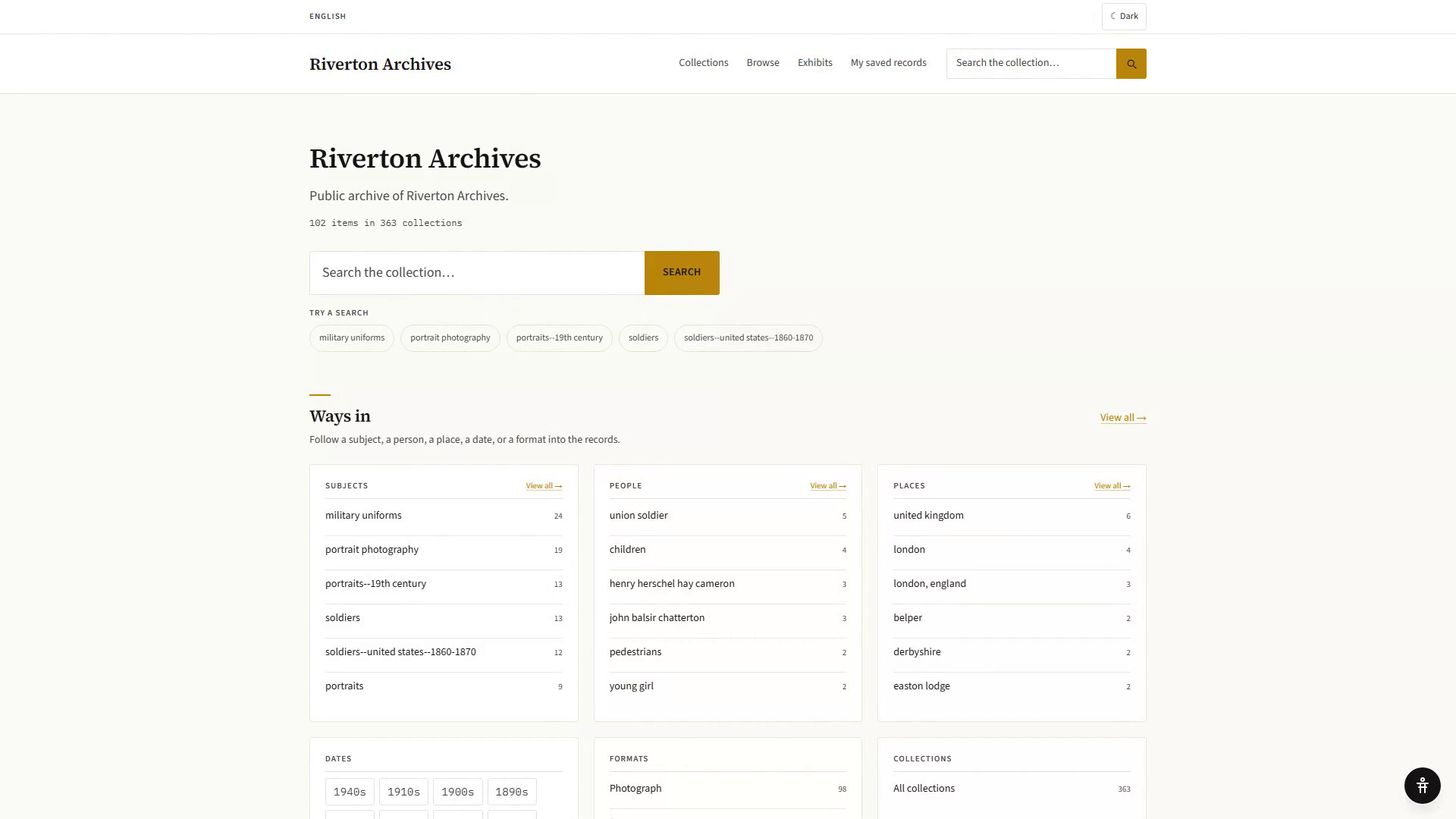
Turning it on
- Go to Settings → Public Portal (admins only). The page opens on its General tab.
- Under Subdomain, choose a slug — lowercase letters, numbers, and hyphens, 3–40 characters. Your portal will live at
<slug>.archivers.ai. - Under Status, toggle Public portal enabled on.
- Confirm the dialog. It tells you how many records are currently published and will become world-visible at your slug — read this number before confirming, especially the first time.
- Save changes on the bar at the foot of the page. Every tab shares one draft and one save.
Once it's live, Open portal ↗ at the top right takes you to it.
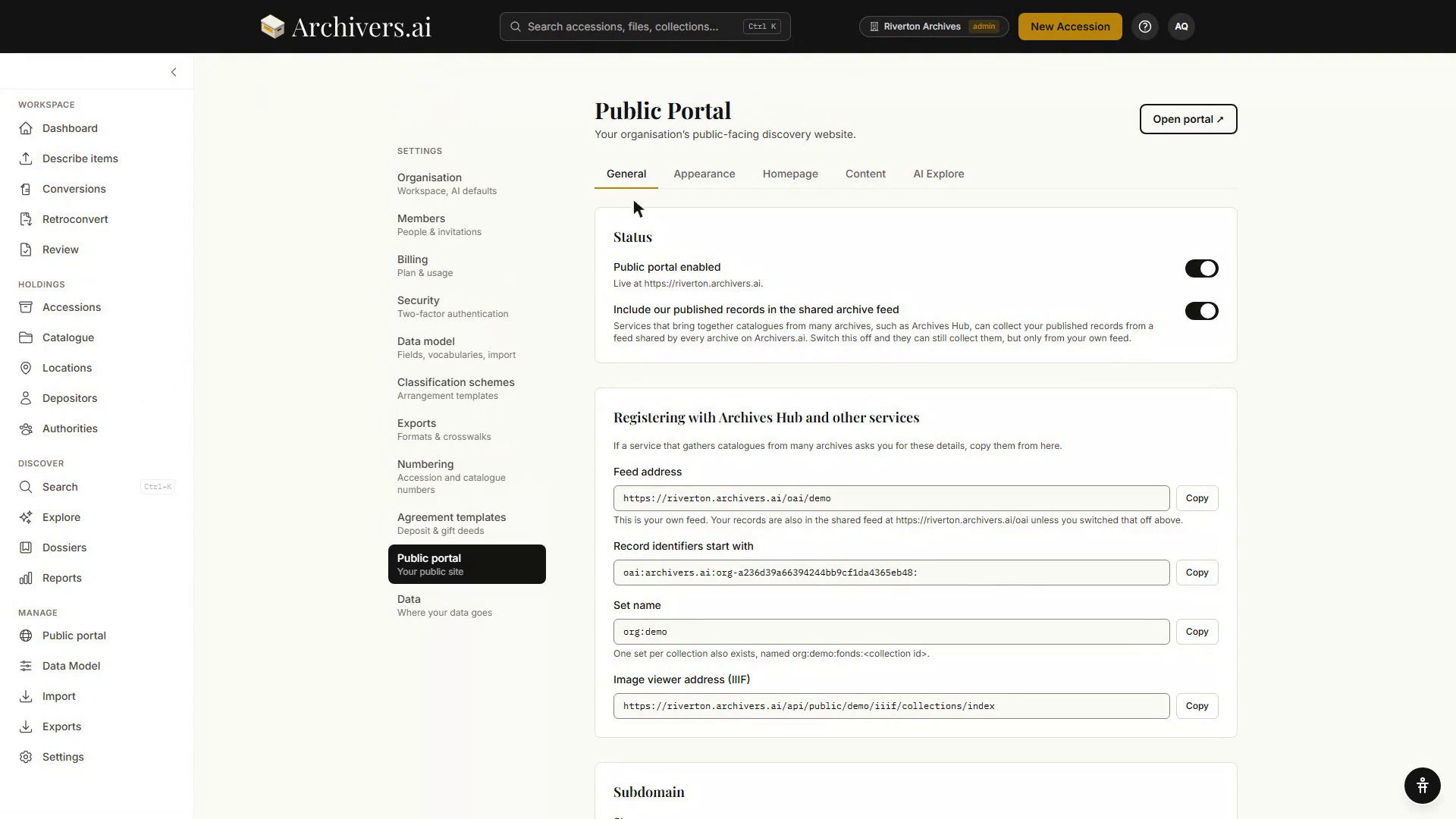
Until you enable it, portal pages return a plain 404. Enabling the portal makes any already-published record visible immediately — publishing and enabling are two separate steps, so it's safe to enable the portal early and publish content gradually afterwards.
Turning it off
Toggle Public portal enabled off in the same place. Confirm the dialog. Visitors get a 404 on every portal page; nothing is deleted, and your slug, branding, and published-content list are all preserved for when you turn it back on.
What's next
Once the portal is enabled, publishing decides what visitors actually see: