Merging Duplicate Depositors
If the same person or organisation ended up as two depositor records — one created by hand, one created during an import, say — merge them into one.
How merging works
- Open the depositor you want to keep (the survivor).
- Click Merge duplicate.
- Search for the depositor to merge away (the duplicate).
- Read the summary of what will happen:
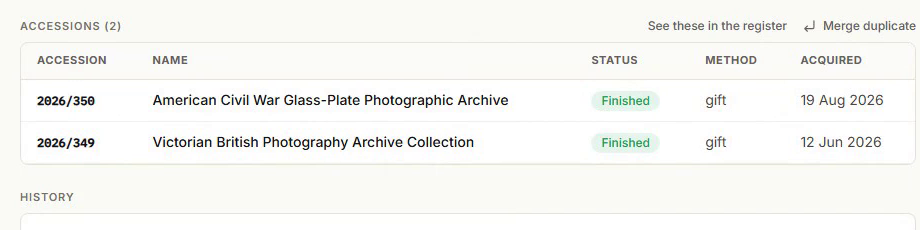
- Every accession linked to the duplicate moves to the survivor.
- Any contact detail missing on the survivor (email, phone, address, legacy reference, lawful basis) is filled in from the duplicate. Fields the survivor already has are never overwritten.
- Notes from both records are combined.
- The duplicate record is permanently deleted.
- Type MERGE to confirm.
- Click Merge depositors.
The survivor's accession list updates immediately to include everything that used to belong to the duplicate.
This cannot be undone
Merging deletes the duplicate depositor record outright. There's no "unmerge". Before confirming, check you've picked the right depositor as the survivor — usually the one with the more complete or more recently verified contact details.
What doesn't change
- Accession-level metadata (dates, descriptions, files, references) is untouched — only the accession's link to a depositor moves.
- The survivor's own contact details you've already filled in are kept over the duplicate's.